Set Up Shop
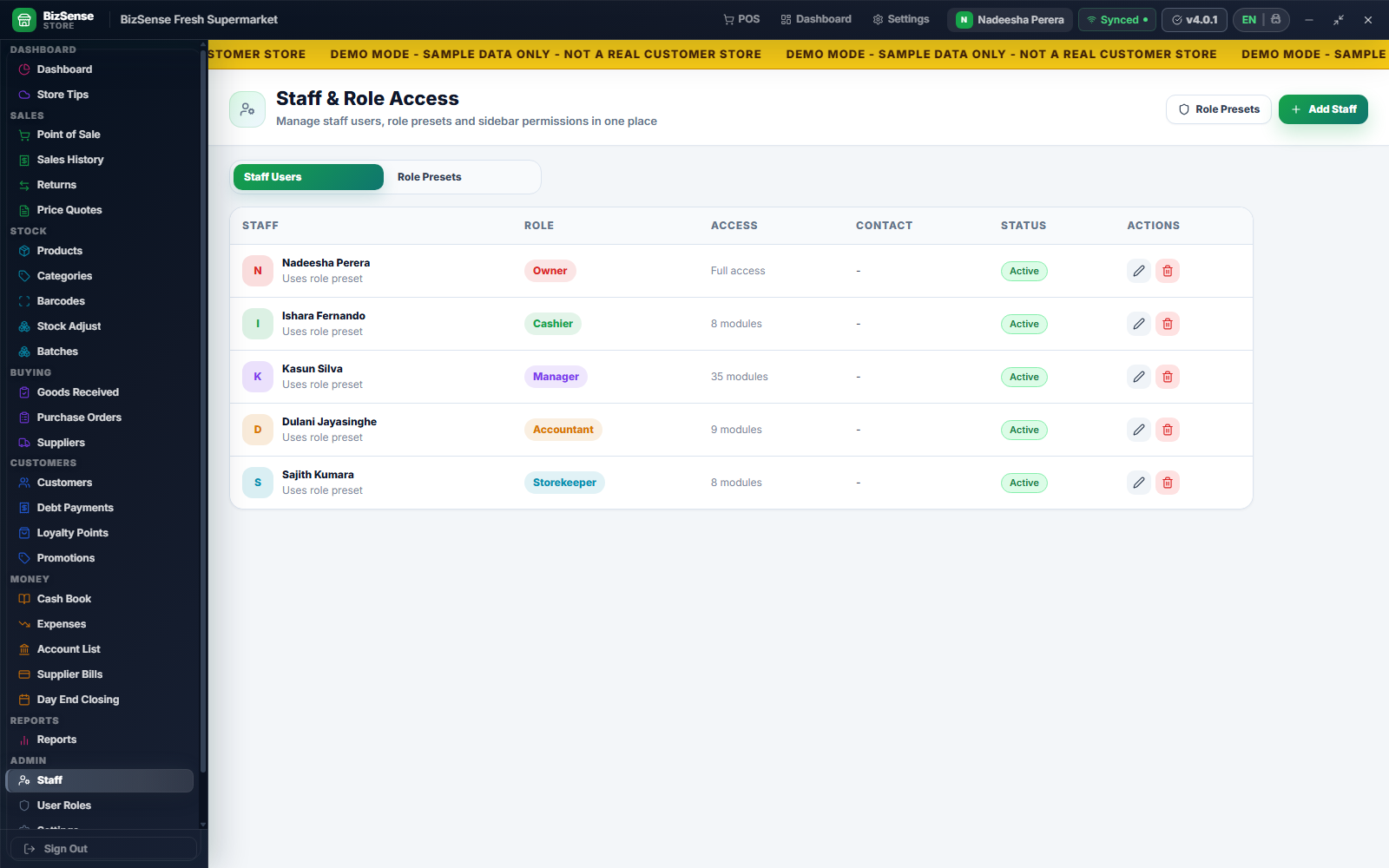
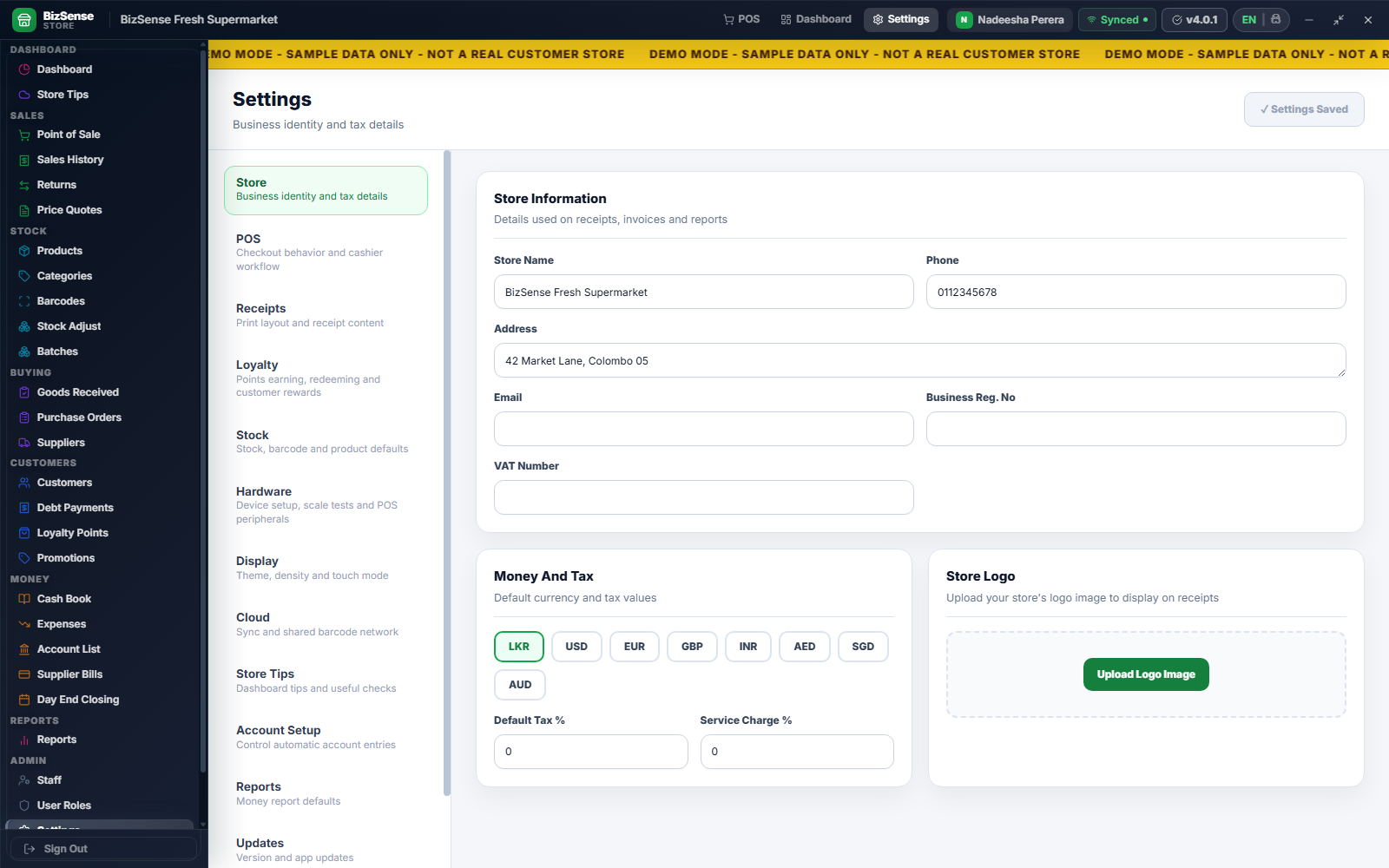
Add company details, receipt format, staff roles, cashier PINs, tax settings and default accounts.
Fast barcode scanning. Automated general ledger. Purchase orders. Returns workflow. Full reporting.
Supplier ledger. Staff control. Offline-safe Windows desktop.
Everything Sri Lanka's retail businesses actually need — one app, one price.
Running a supermarket requires tight financial control and fast checkout. You need double-entry accounting, accurate P&L statements, tax compliance, returning items, EMI management, and speed at the counter. That is exactly what BizSensePOS was built for.
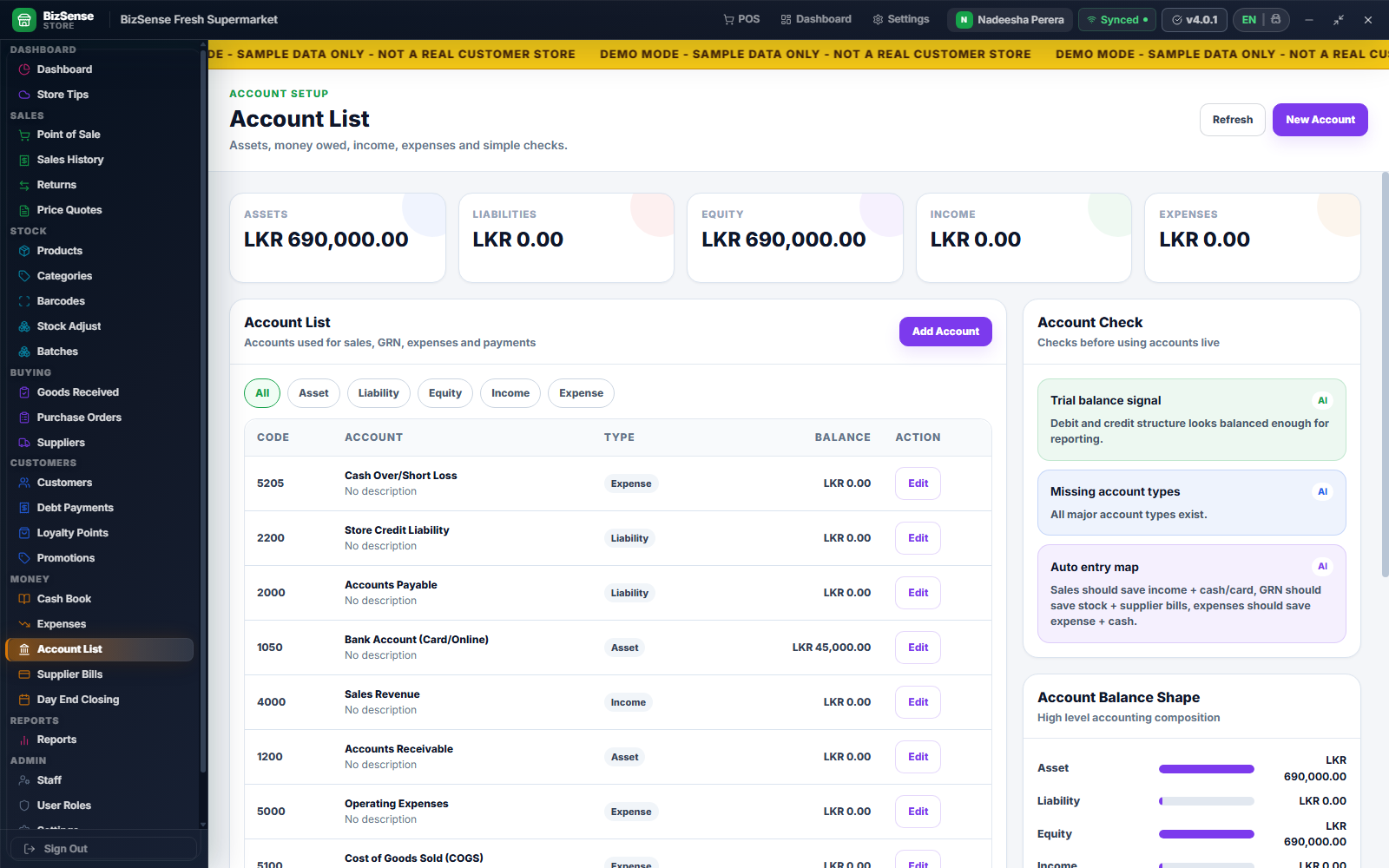
Every sale, return, expense and GRN can post to the right accounts so owners can see cash, bank, inventory, payable, income, tax and profit without rebuilding numbers in Excel.
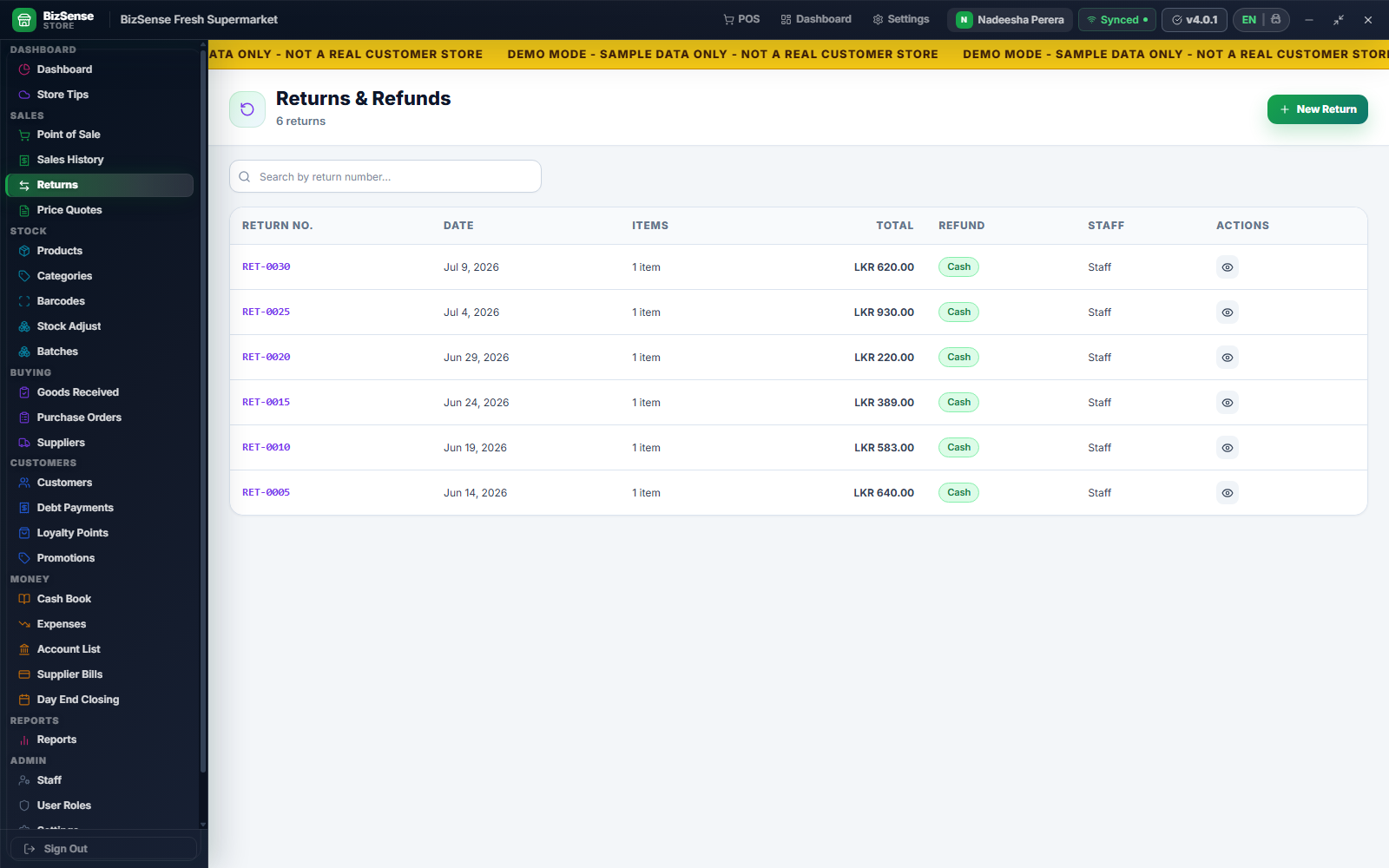
Handle complex returns seamlessly directly from the POS interface stay in one connected system alongside your sales.
Scan items quickly, integrate payments via cash, card or mixed. or stock accuracy. Margins protected by default.
Windows desktop app, local-first data, cloud sync when internet returns. Weak SLT connections and power cuts never stop your counter.
Receive goods, label shelves, bill fast, handle returns, close cash and review profit without jumping between tools.
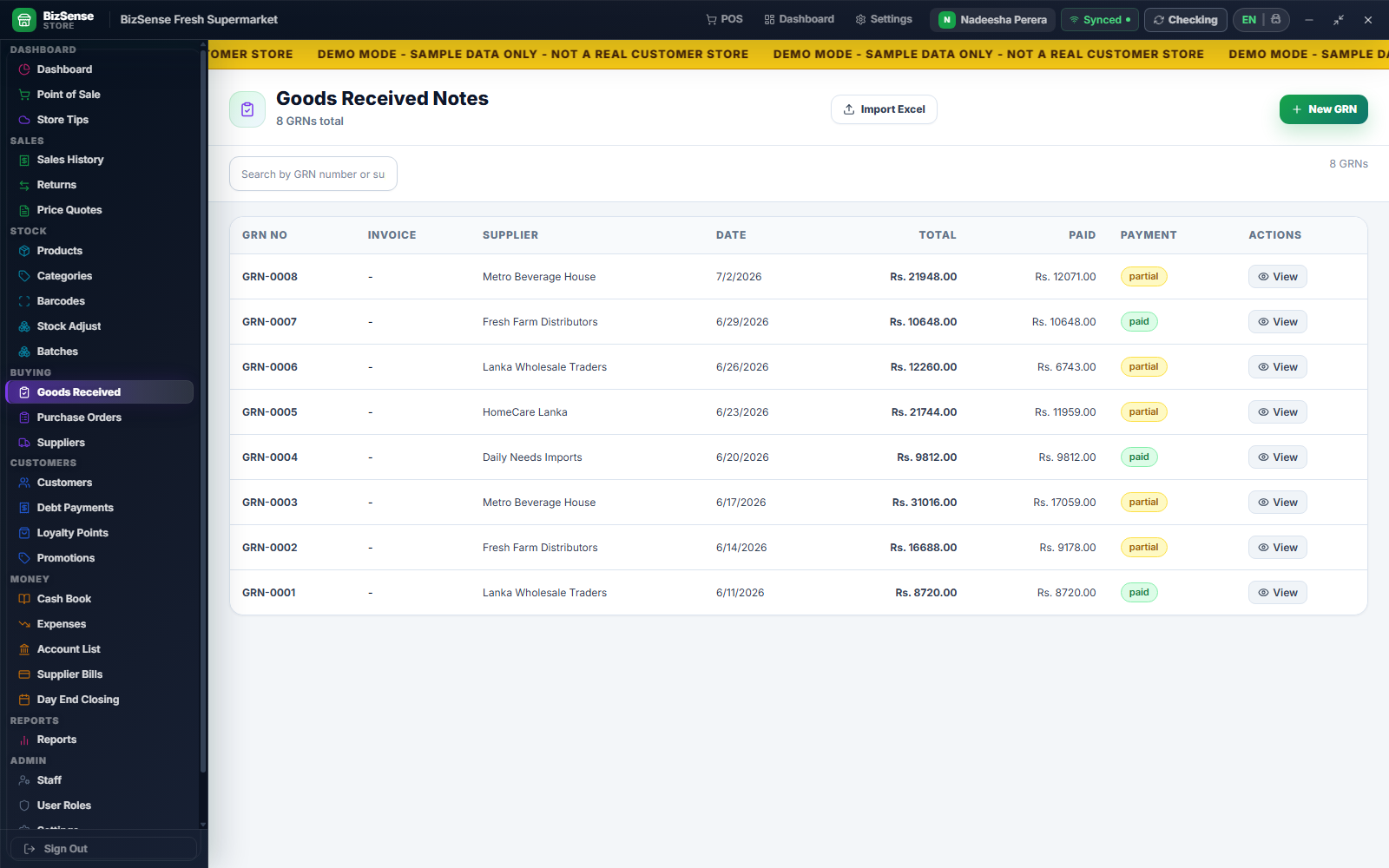
Capture supplier, product barcode, quantity, purchase cost, selling price, batch and expiry date the moment goods arrive through GRN.
Scan grocery items, search products when there is no barcode, adjust quantities by keyboard, accept cash/card/split payments, and print receipts fast. Queue never stops.
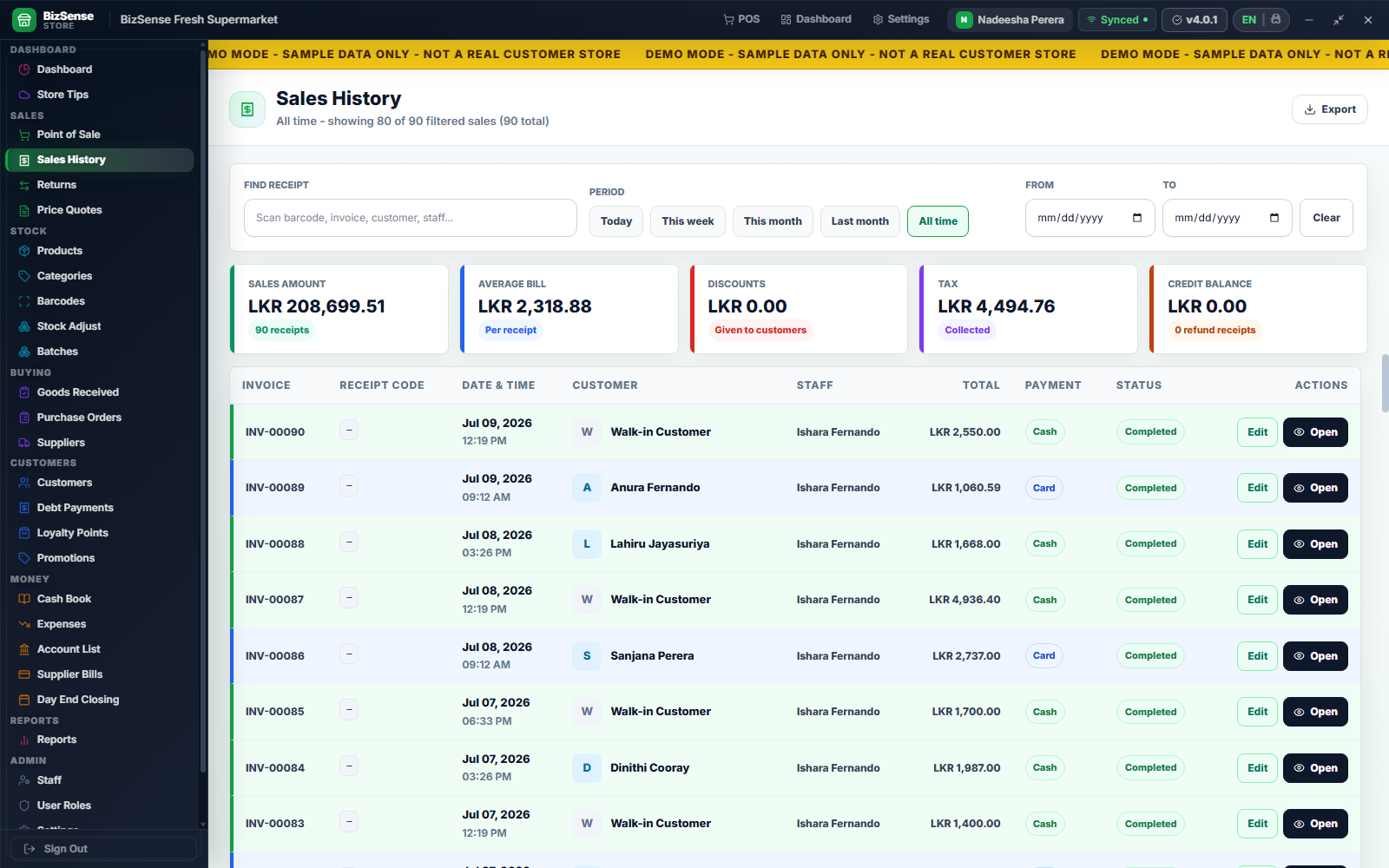
Search by product, barcode, category, supplier or invoice. See stock, cost, selling price, movement and low-stock risk quickly.
Track supplier balances, GRNs, purchase orders, returns and payments so purchasing, stock and accounting stay aligned.
Review sales, cash/card totals, expenses, cash-in/cash-out, returns, staff actions and closing balance before ending the day.
Disconnected billing tools are not enough for supermarket control. SuperMarket POS brings billing, stock, suppliers, purchasing, cashier control, accounting and reporting into one implementation-ready system.
The strongest supermarkets move fast, protect margins, control stock and close the day with confidence. These are the capabilities that make it possible.
Generic Sri Lankan billing apps can print a receipt. That is not enough when you need stock accuracy, supplier control, expiry tracking, day-end cash matching and real accounting.
Here is where supermarket-specific POS changes the daily operation.
| Capability | BizSensePOS | Generic Billing | Excel + Notebook | Cloud-only POS |
|---|
This is the practical path new users follow after installing SuperMarket POS.
Add company details, receipt format, staff roles, cashier PINs, tax settings and default accounts.
Download the Excel template, fill barcode, category, cost, selling price, tax, stock and supplier fields, then verify before import.
Create supplier GRNs, update stock, record batches and expiry dates, and keep payable balances accurate.
Scan barcodes or use keyboard product search, adjust quantities, apply item discounts, and accept cash, card or split payments.
Record cash-in, cash-out, expenses, card totals, returns and day-end closing so cashier accountability is visible.
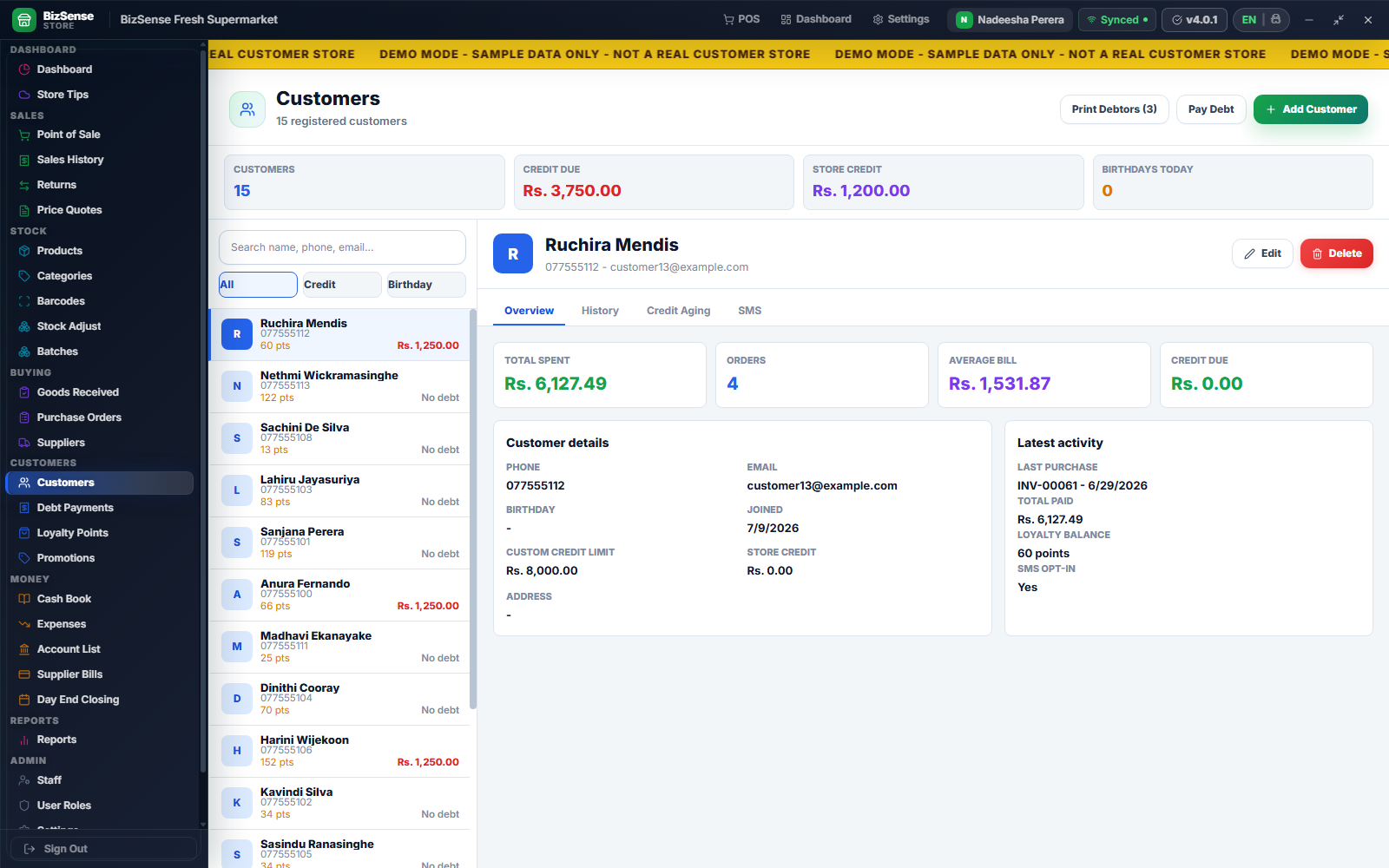
Check sales, profit, low stock, expiry, supplier balances, customer credit, ledgers and owner dashboards from one place.
Install SuperMarket POS on Windows and explore billing, stock, GRN, suppliers, reports and demo mode.
Download the setup first. Use demo mode to test owner, cashier, products, GRN, POS and reports.
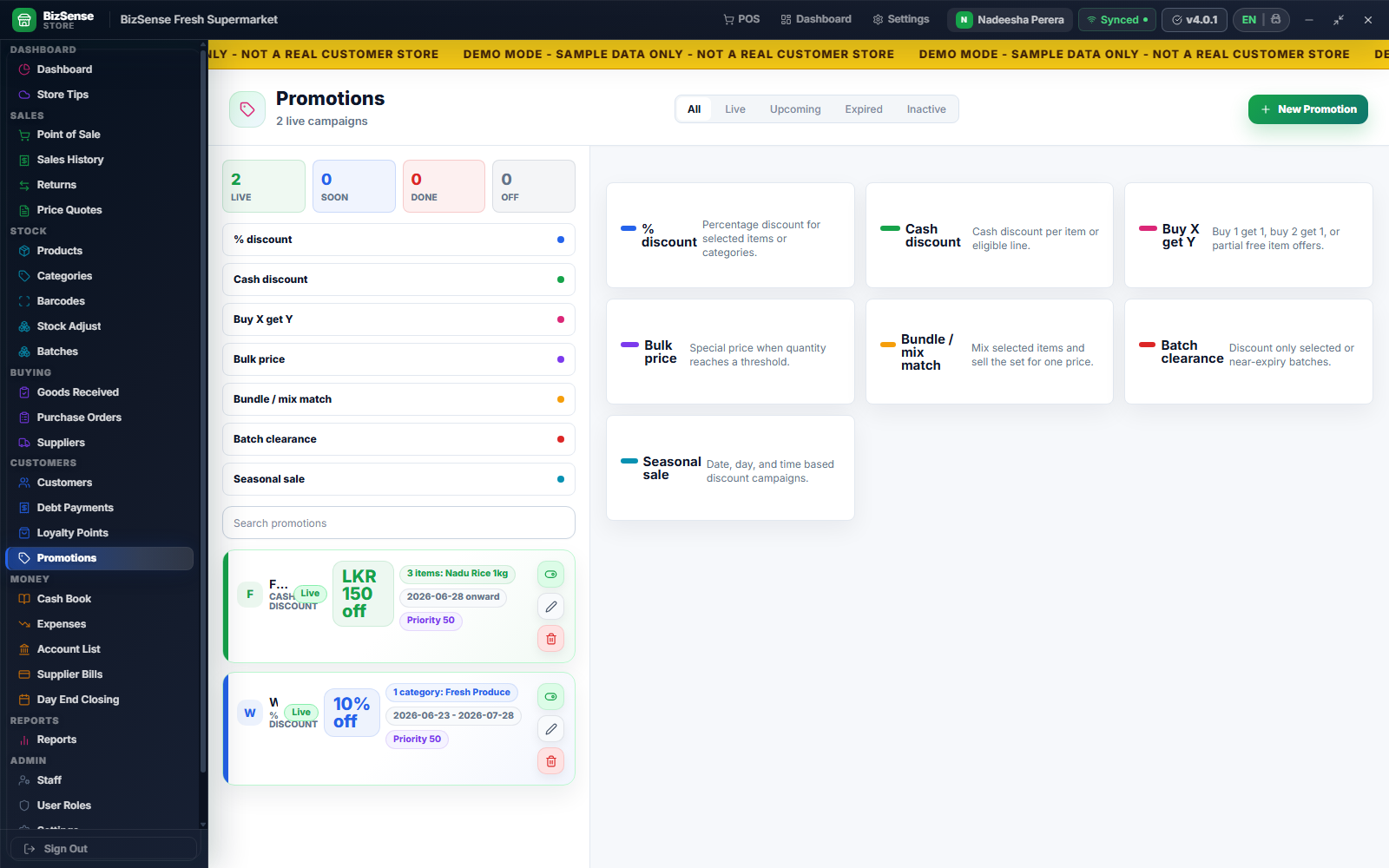
These are captured from a demo supermarket store with sample staff, products, customers, sales, returns, stock batches, day-end records and reports.
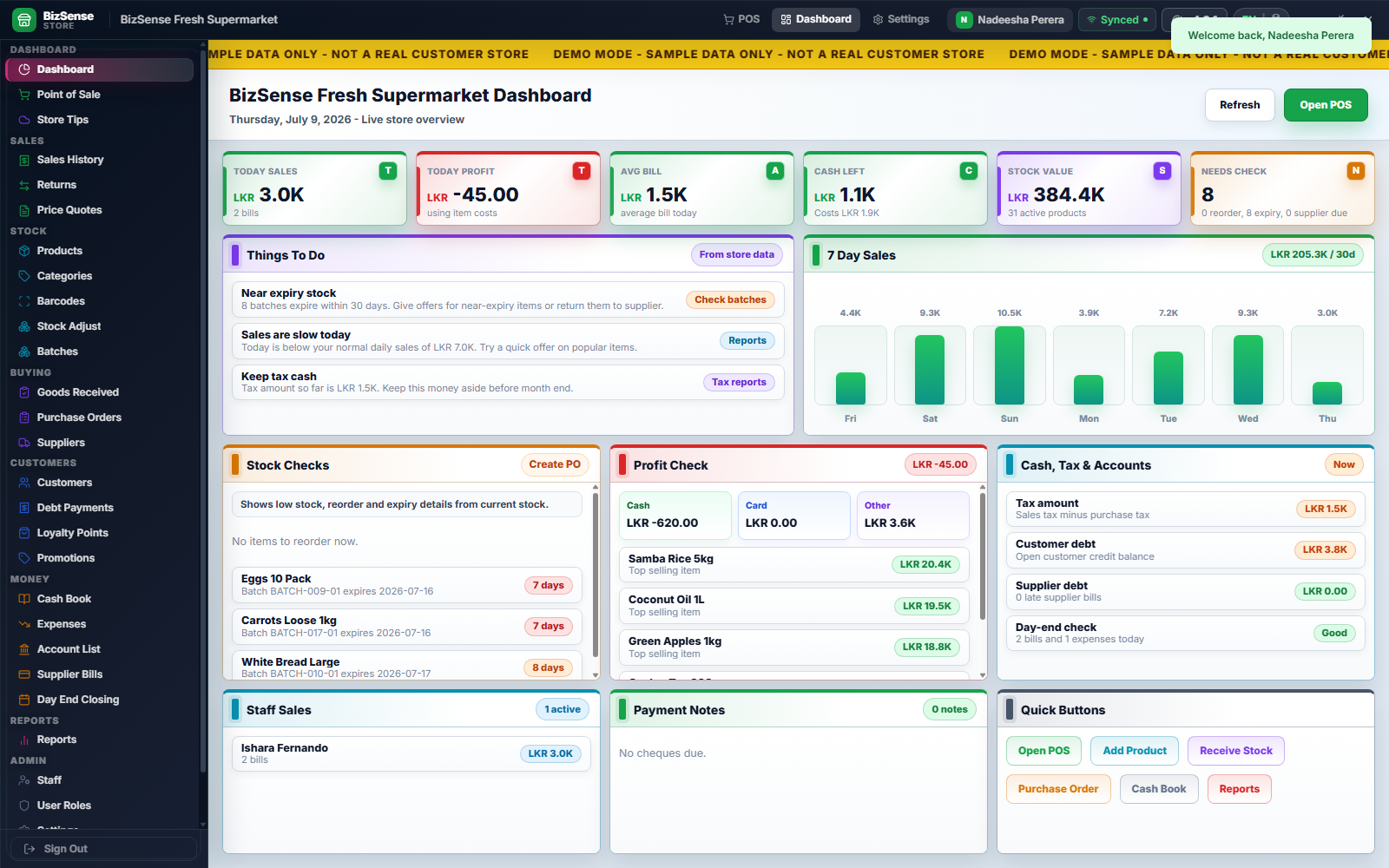
Owners can see today sales, profit, stock value, expiry checks, cash position, customer debt, supplier debt and quick actions without opening separate reports.
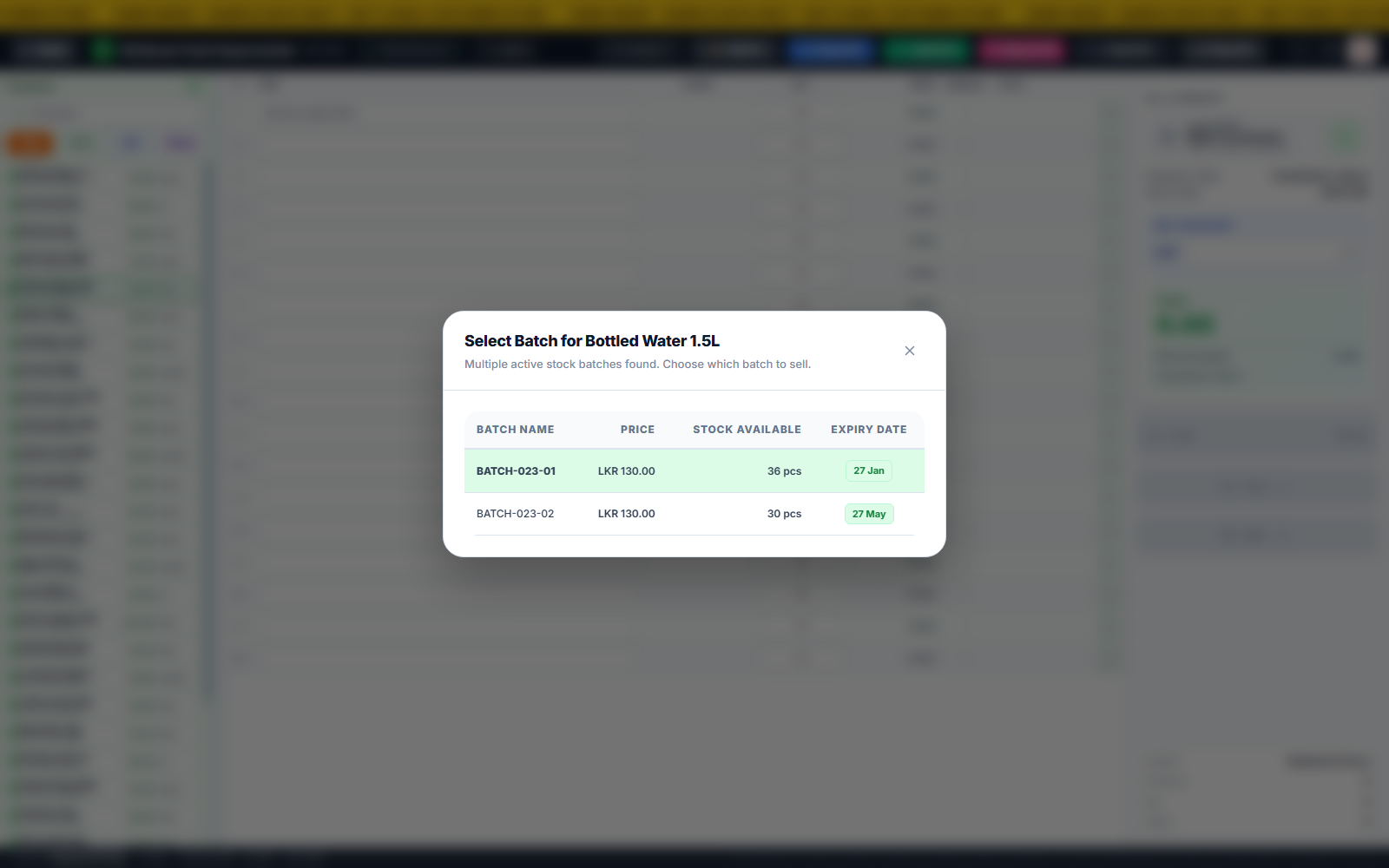
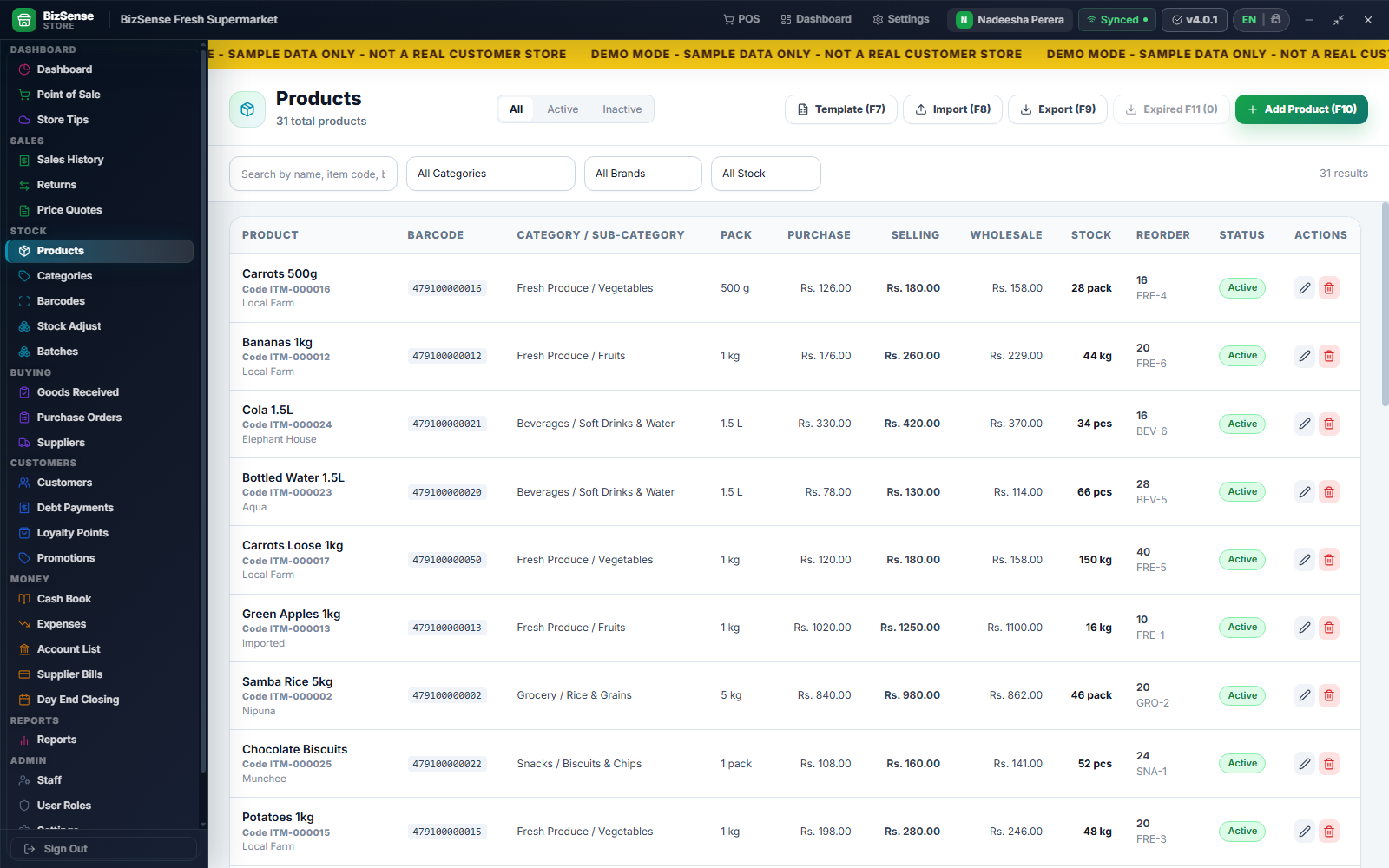
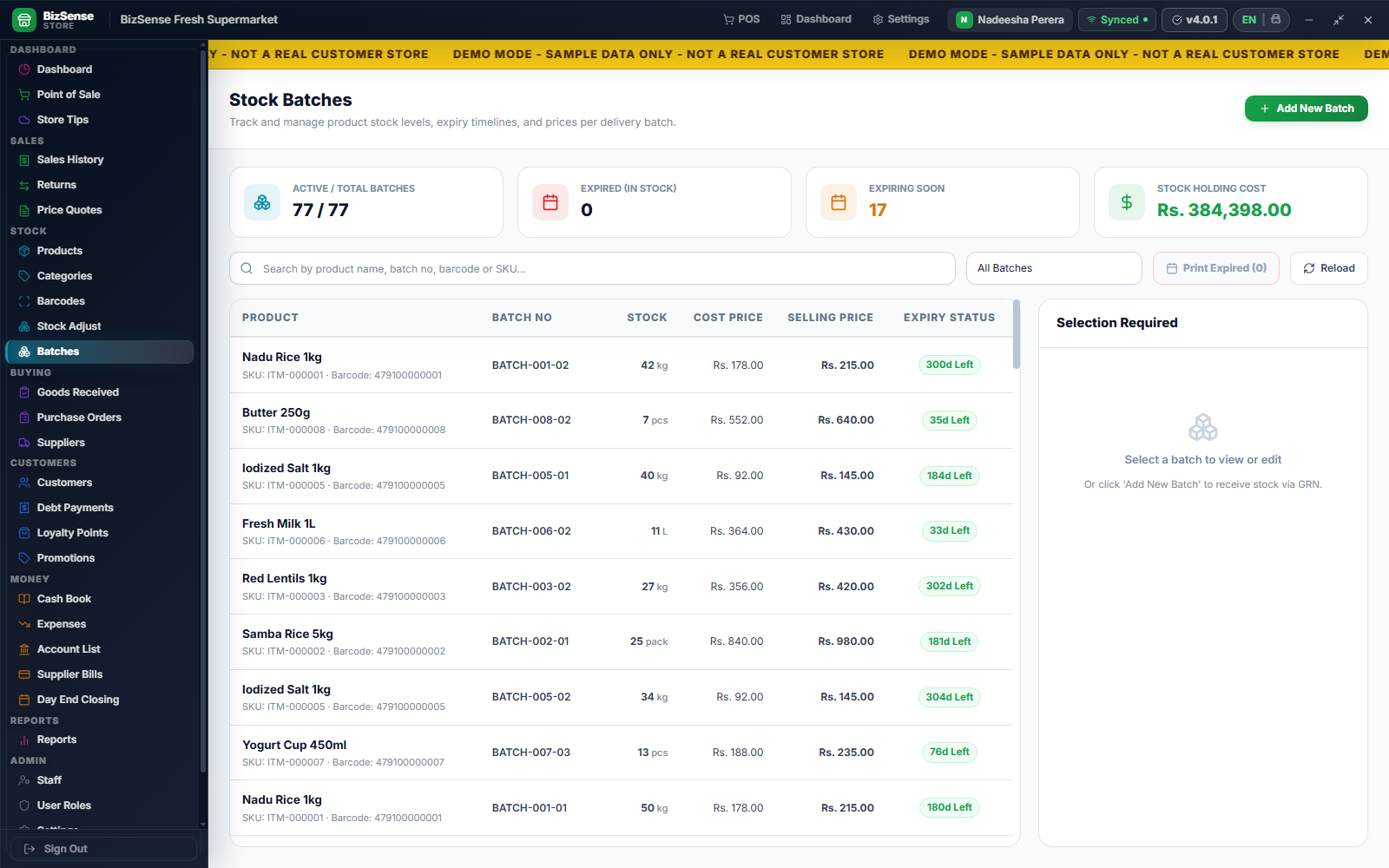
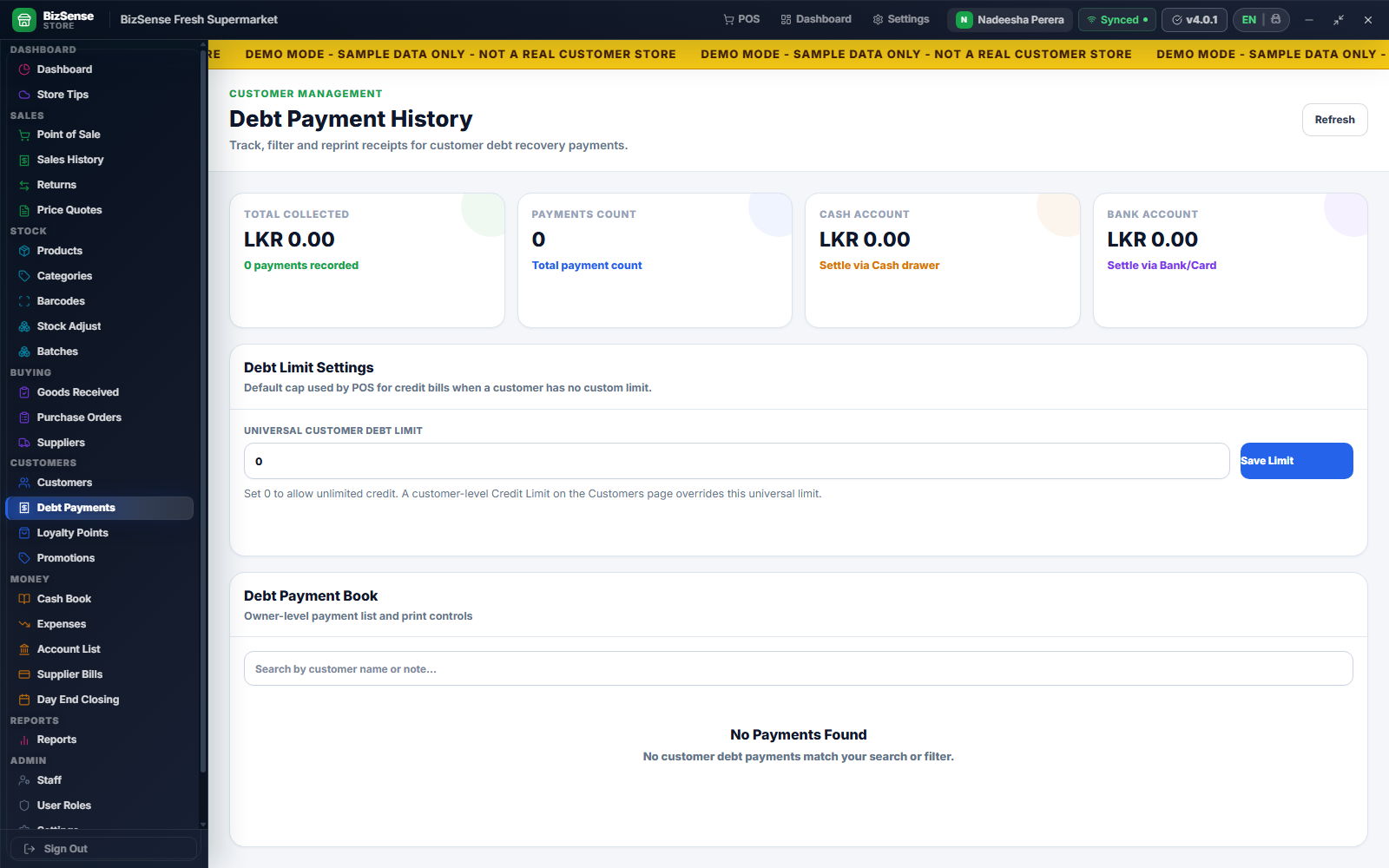
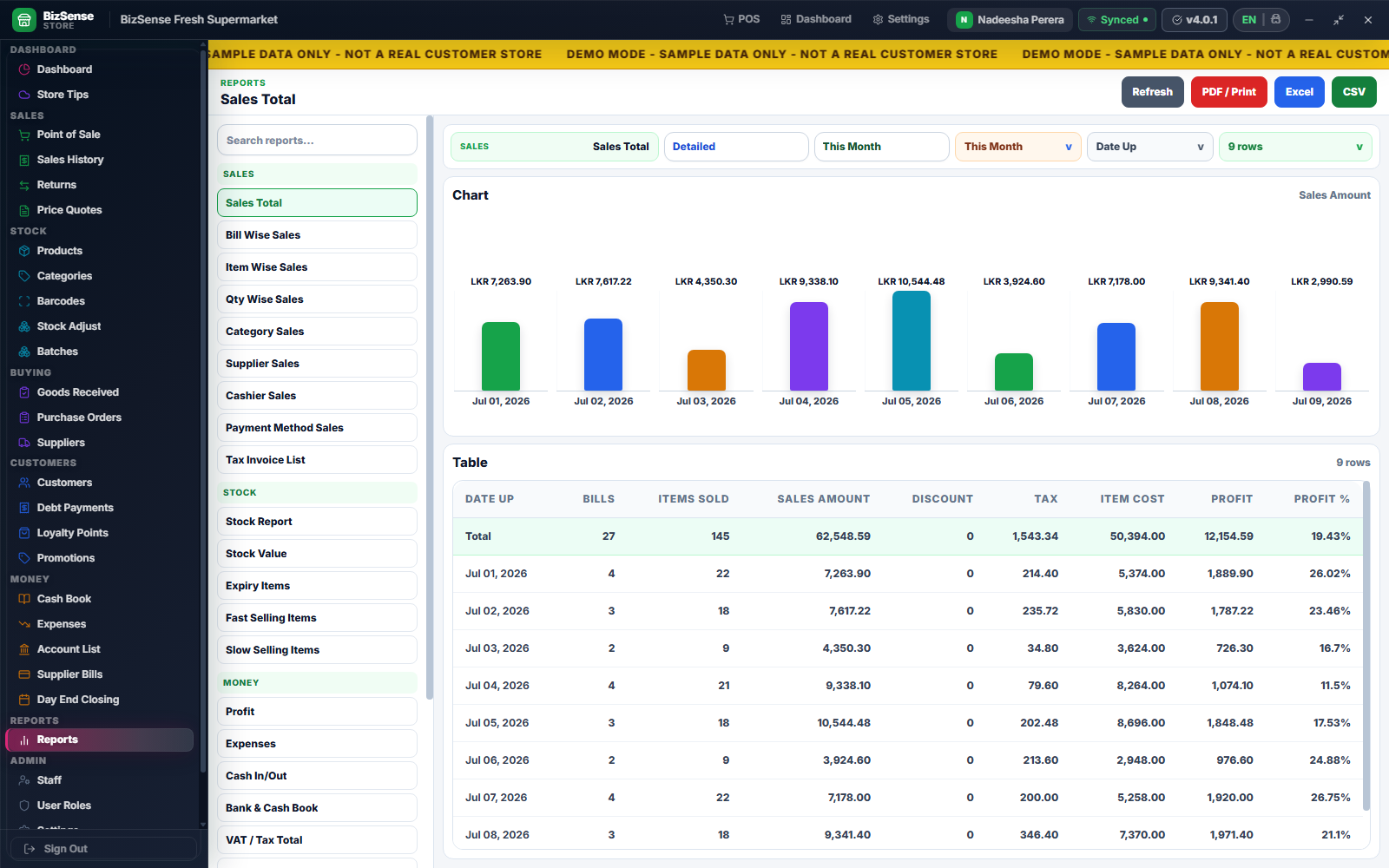
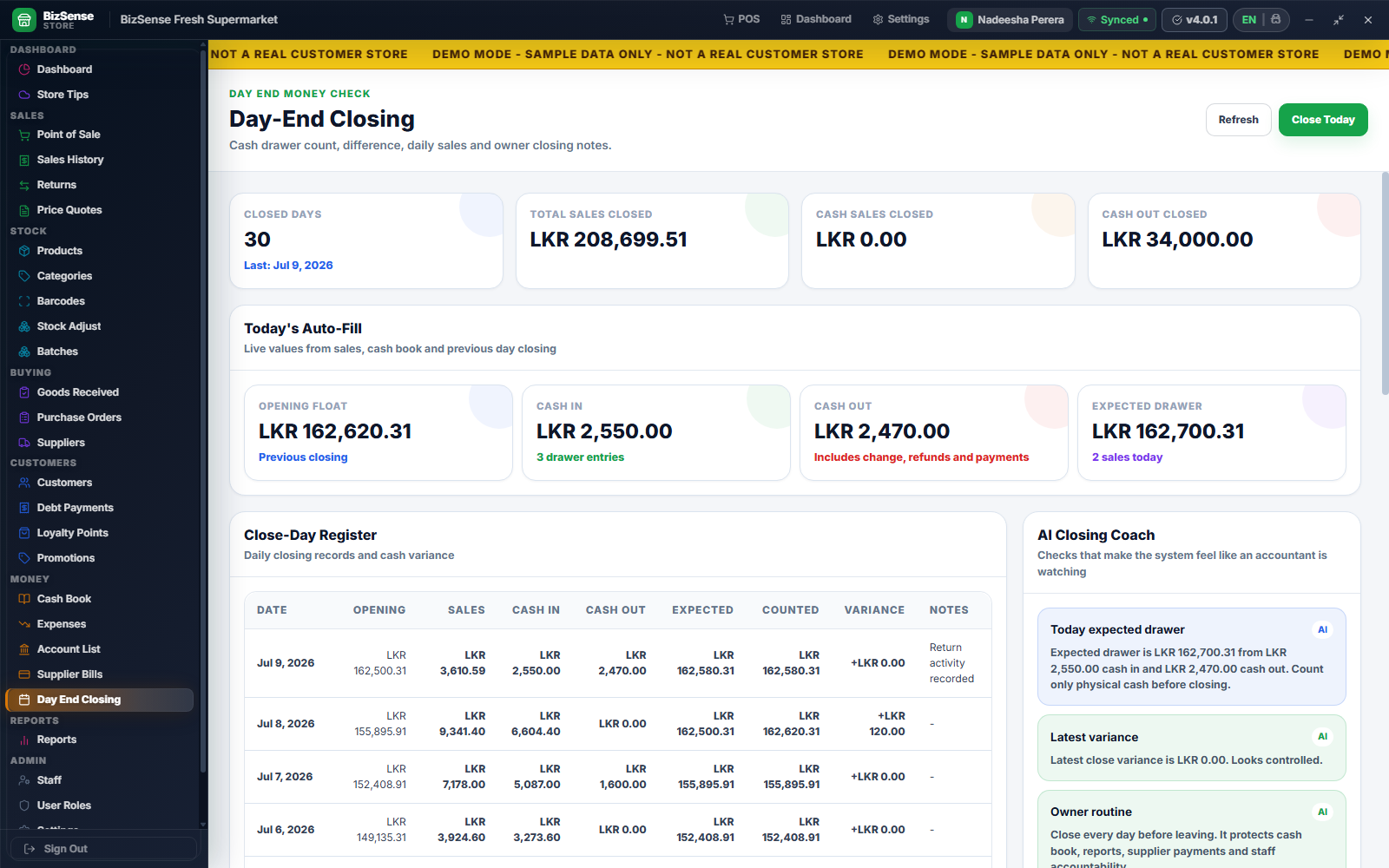
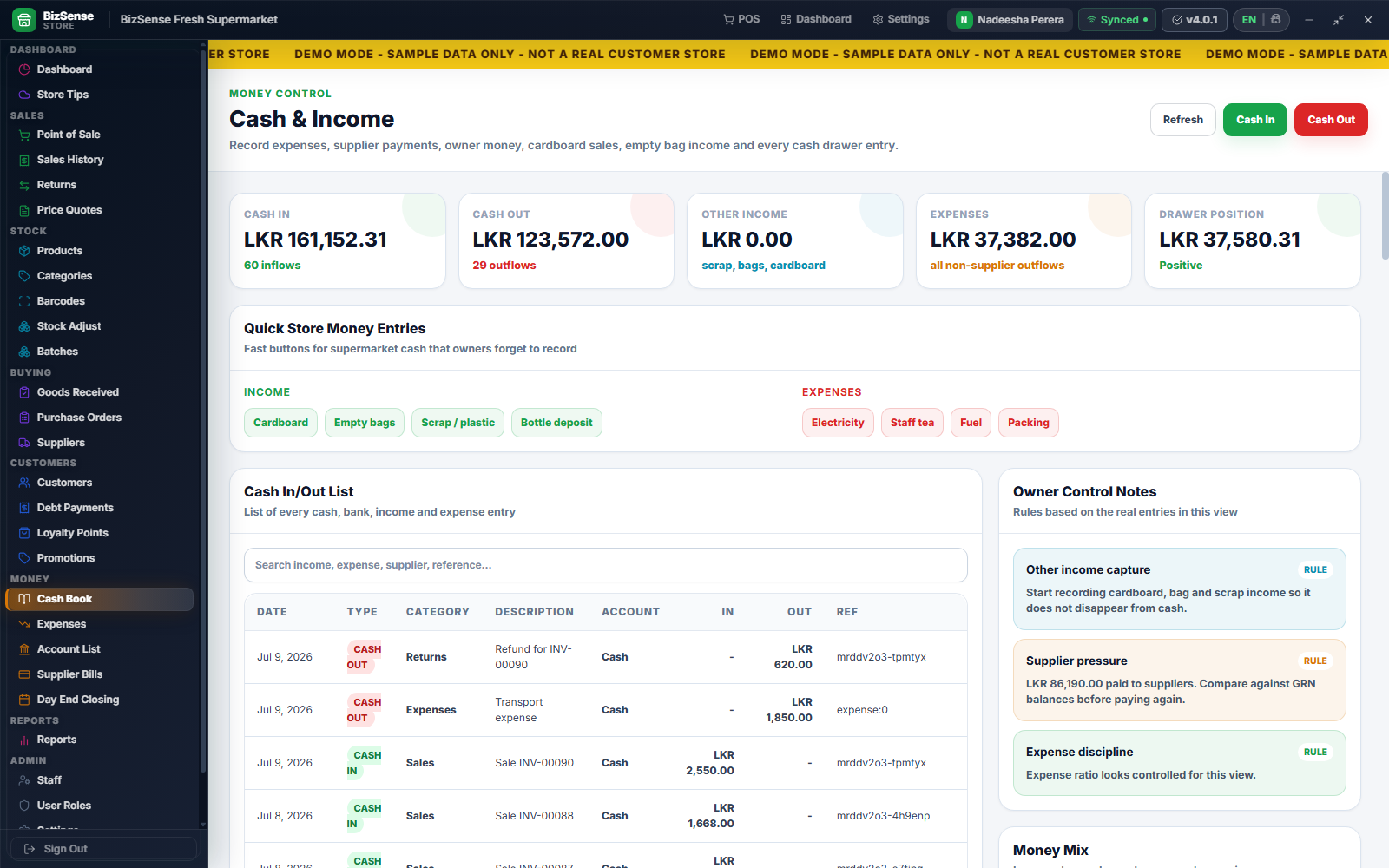
Version 5.0.2 strengthens everyday cashier work from product search to receipt printing, keeps returns tied to the original sale, and refreshes live store figures more consistently across devices.
Arrow-key navigation adds the highlighted product, search results show MRP clearly, weighted items start at 1 kg, and the active price mode colours the cashier workspace.
Scan the receipt or enter its invoice number to load the correct sale and every item, preserving source lines, batches, price tiers, and discounts.
Market price now prints as the item's MRP, the billed-price column shows the actual unit price, and cashiers choose whether to print after each sale.
Dashboard figures refresh silently when another computer changes store data, with a new aligned sales bar and smooth trend chart for quick review.
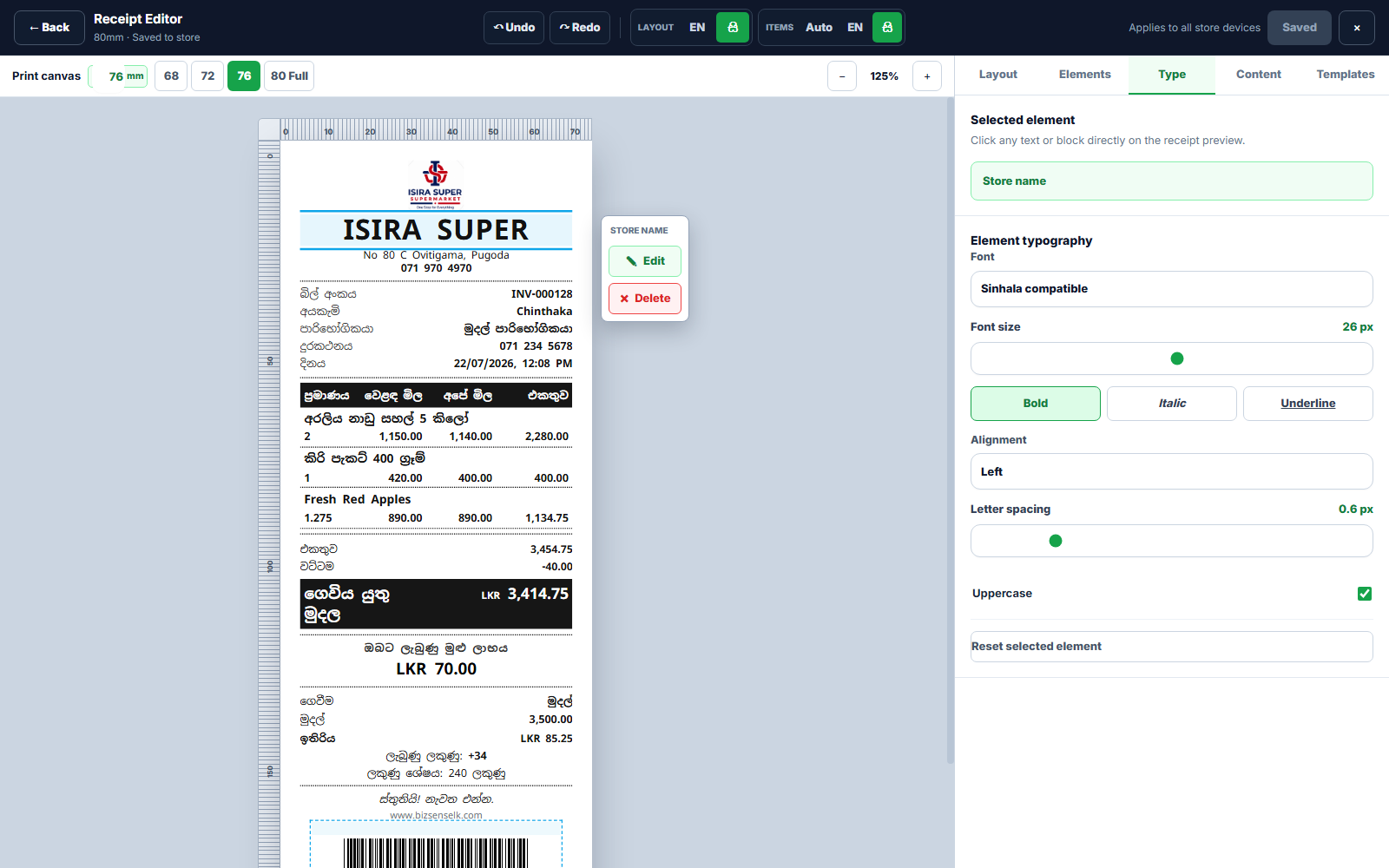
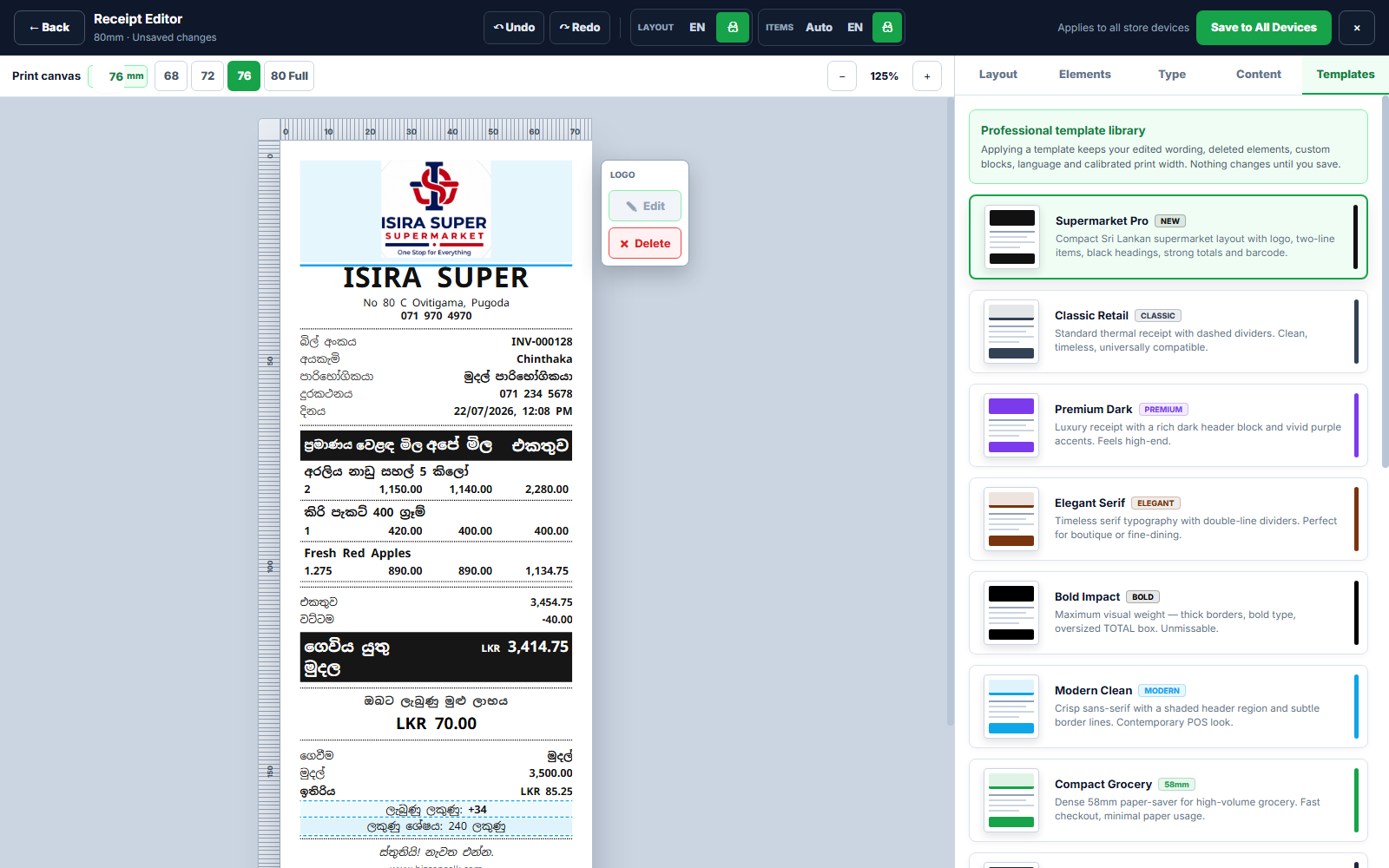
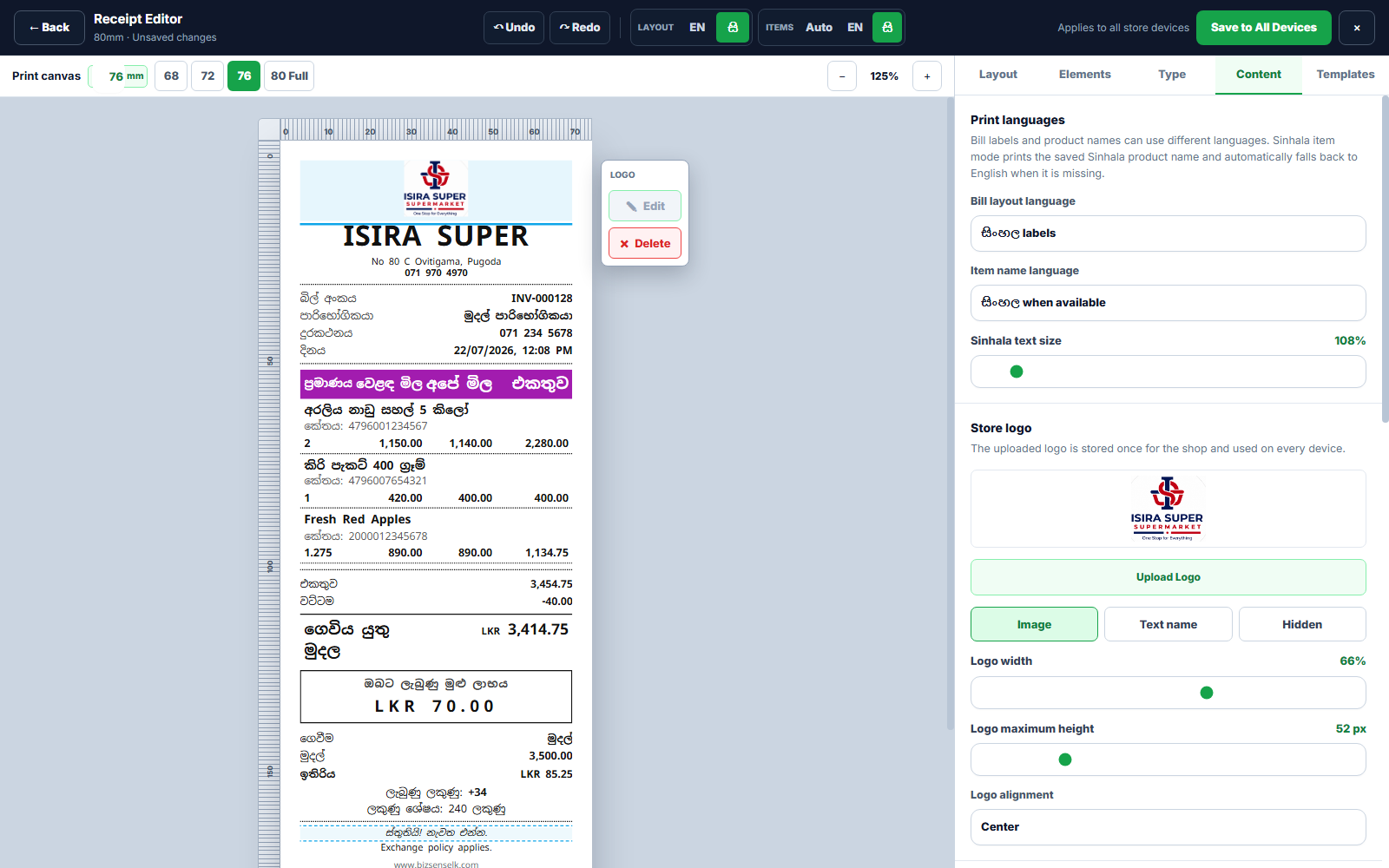
Select receipt text, headings, logos, barcodes, totals, lines, and optional blocks directly on the preview. Adjust typography and spacing while the measured thermal-paper canvas updates live.
For supermarket owners who need faster billing, cleaner stock, cashier control and better reports.